The best zombie trend photos are sharp, front-facing shots with one person in each, the whole head in frame and even daylight. When a zombie trend video does not look like you, the cause is almost always the photo: a side angle, a filter, sunglasses, a small face in a big frame, or two people in one picture. Fix the photo and re-render, and most likeness problems go away.
This guide explains why these photos matter so much, gives a checklist, and walks through the most common problems with their fixes.
Why zombie trend photos matter more than settings
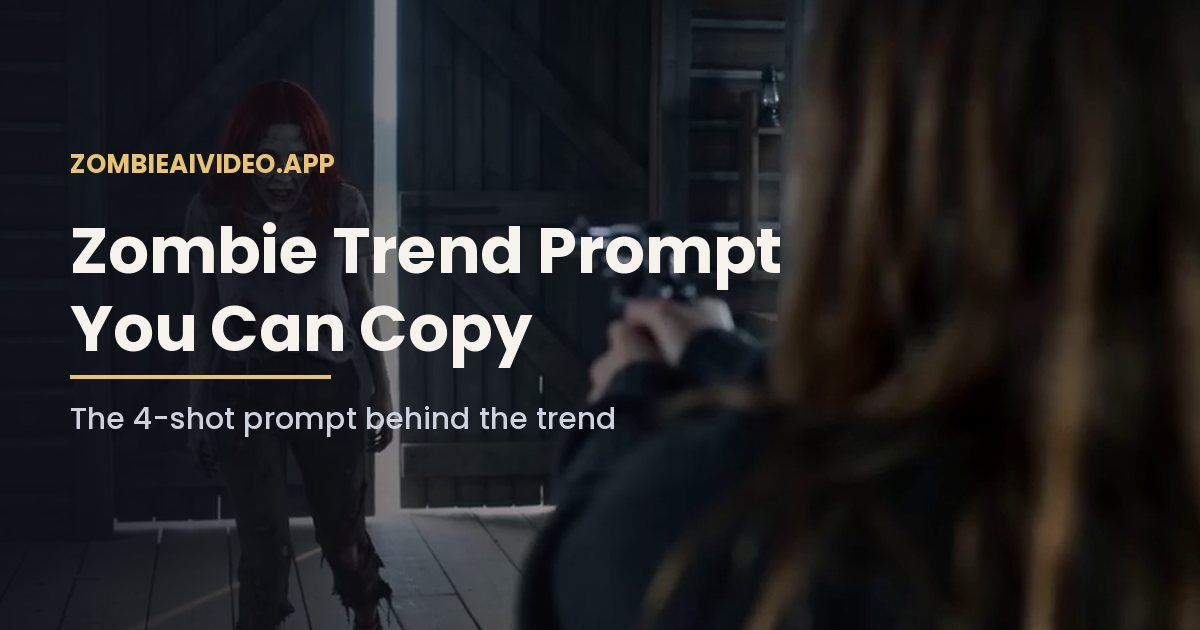
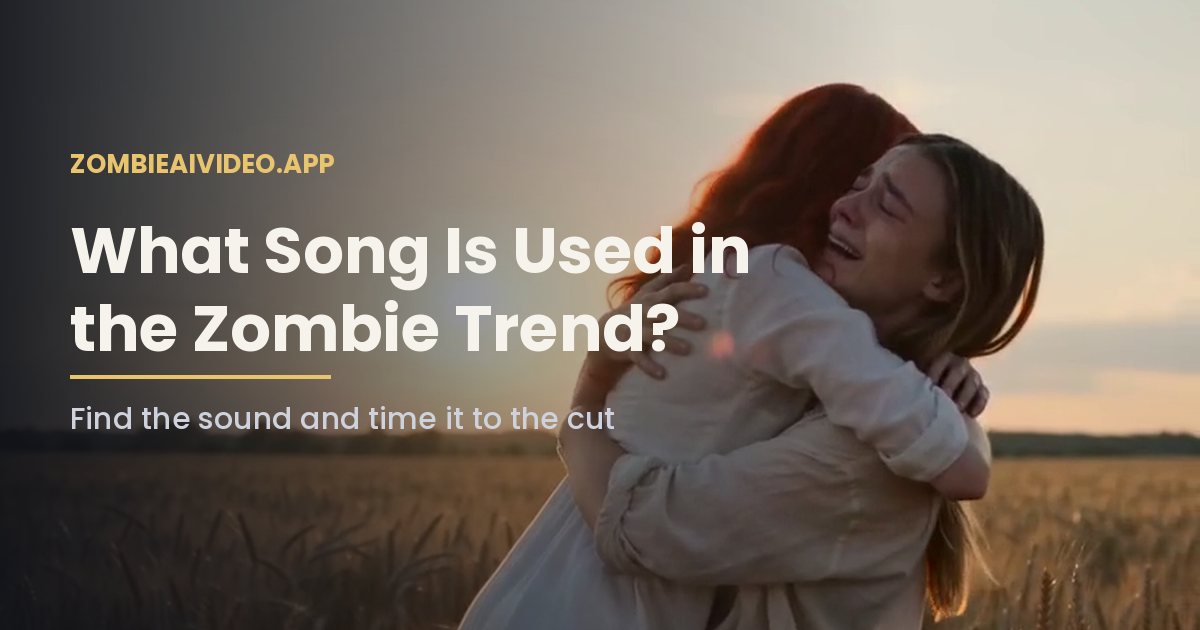
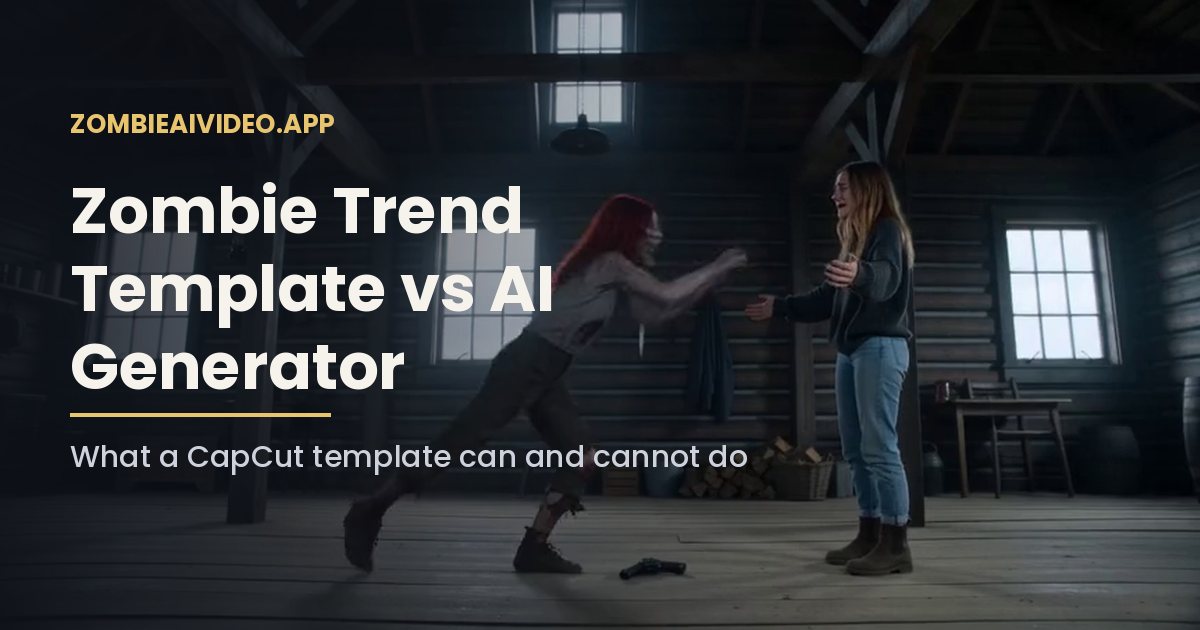
An AI video model does not keep a 3D copy of your face. It looks at your reference photo and redraws you in every frame, in four very different scenes: a dark cabin, an extreme close-up, a hug in motion and a sunny field. Each scene is a new chance to drift. The more detail the photo gives, the less the model has to guess.
That is also why upgrading from 480p to 720p rarely fixes likeness. Resolution makes the video sharper, but if your zombie trend photos are vague, a sharper video of the wrong face does not help.
Checklist for zombie trend photos
- One face per photo. Crop group shots so each of your photos shows one person or one pet.
- Facing the camera. Straight on or a slight angle. Profiles lose half the face.
- Whole head in frame. Hair, ears and chin visible, not cut off at the top.
- Face fills the frame. The face should take up a good part of the image, not a tiny figure in a landscape.
- Even light. Daylight from a window is ideal. Avoid hard shadows and colored party lights.
- No filters. Beauty filters smooth out the details the model uses to recognize you.
- No sunglasses or masks. The eyes matter most for the close-up shot.
- Sharp and large enough. On this site each photo must be JPG, PNG or WebP, up to 10 MB, and at least 512 pixels on the short side.
Why doesn't my zombie trend video look like me?
The face looks like a different person
Usually the photos are too small, blurry or heavily filtered. Use original camera files, not screenshots from social media, which are compressed. Pick zombie trend photos taken in the last year or two so the face matches how you look now.
The two faces blend together
This happens when both people look similar in the photos, for example the same hair color, same lighting and same clothes. Choose photos where the two of you look distinct, such as different outfits or different backgrounds.
Glasses appear or disappear
The model copies what it sees. If you wear glasses every day, use zombie trend photos with them on. If you only wear them sometimes, pick a photo without them. Mixed signals produce flickering frames.
The zombie looks too scary or too mild
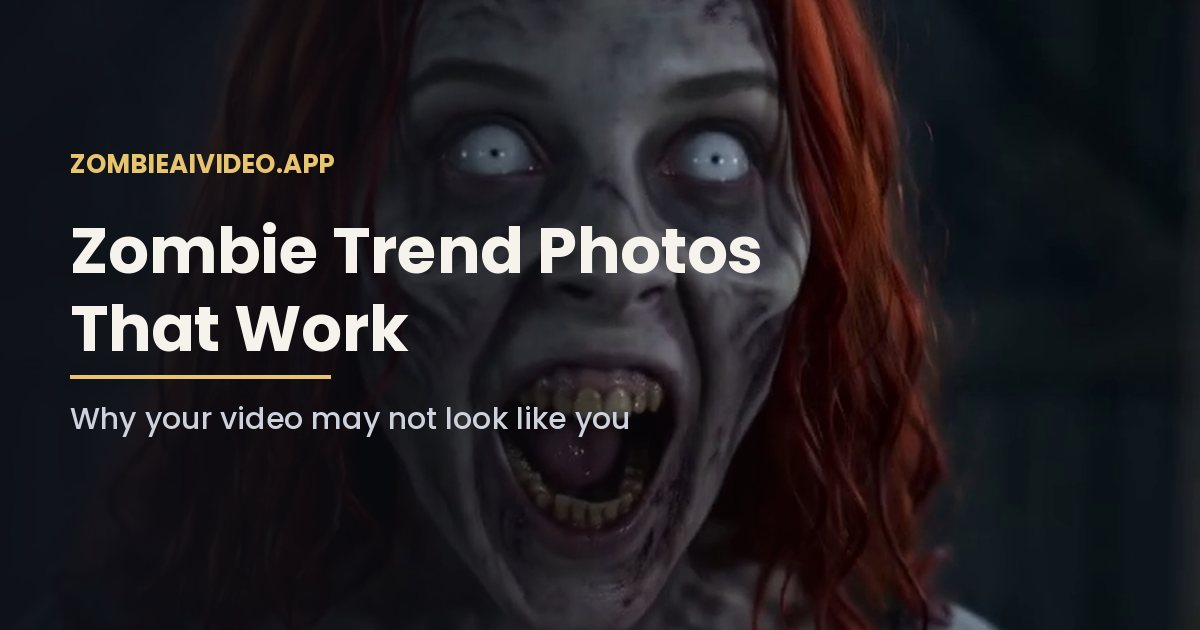
The zombie look is set by the prompt, not by your photo: ashen skin, clouded eyes and dark veins, with no blood. AI output varies from render to render. If one take is off, a second render with the same photos will often look different.
My pet does not look like my pet
Animals are harder than faces, so pet photos need extra care. Use a photo at the pet's eye level with the whole head visible, in daylight, with no costume. Breeds with distinctive markings come out better than plain coats. Our zombie pet video page has more pet tips.
The hug looks strange
Fast movement is hard for every video model, and hands are the weakest part. A hug that looks a little stiff is normal for this trend. If arms merge or a hand goes missing, render again rather than changing your zombie trend photos.
Using old or scanned photos
Older photos work if the face is clear, which is why many family versions use a parent's photo from years ago. Scan prints at high resolution, or photograph them straight on in daylight without glare. Crop so one face fills most of the frame. Black and white photos are fine, though the memory shot may come out in muted colors.
Consent comes before quality
Only upload zombie trend photos of yourself, your pet, or adults who agreed to be in the video. Photos of children and public figures are not allowed. Show the person the result before you post it.
What a failed render costs
If a render errors out or is not delivered, the credits return to your balance automatically, so failed renders are free. A clip that finishes but does not look right is not counted as failed, which is why choosing good photos before you press the button saves credits. One 480p video uses 100 credits and one 720p video uses 200 credits.
Ready to try again?
Pick two photos with the checklist above and upload them to the AI zombie video generator. If you are new to the format, read how to do the zombie trend first.