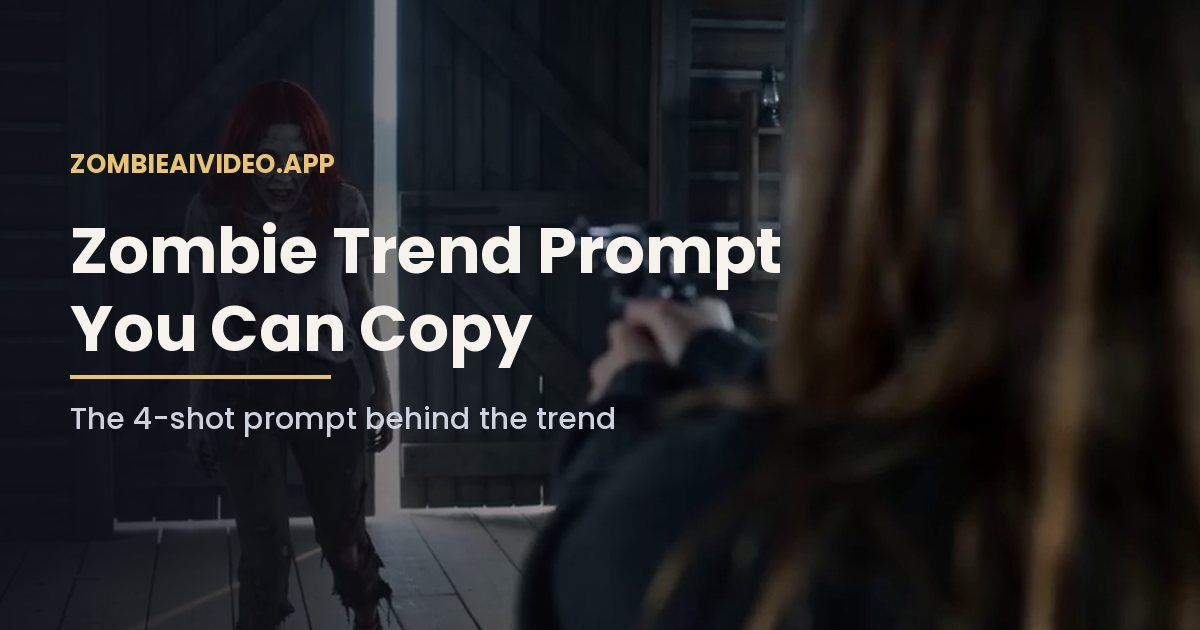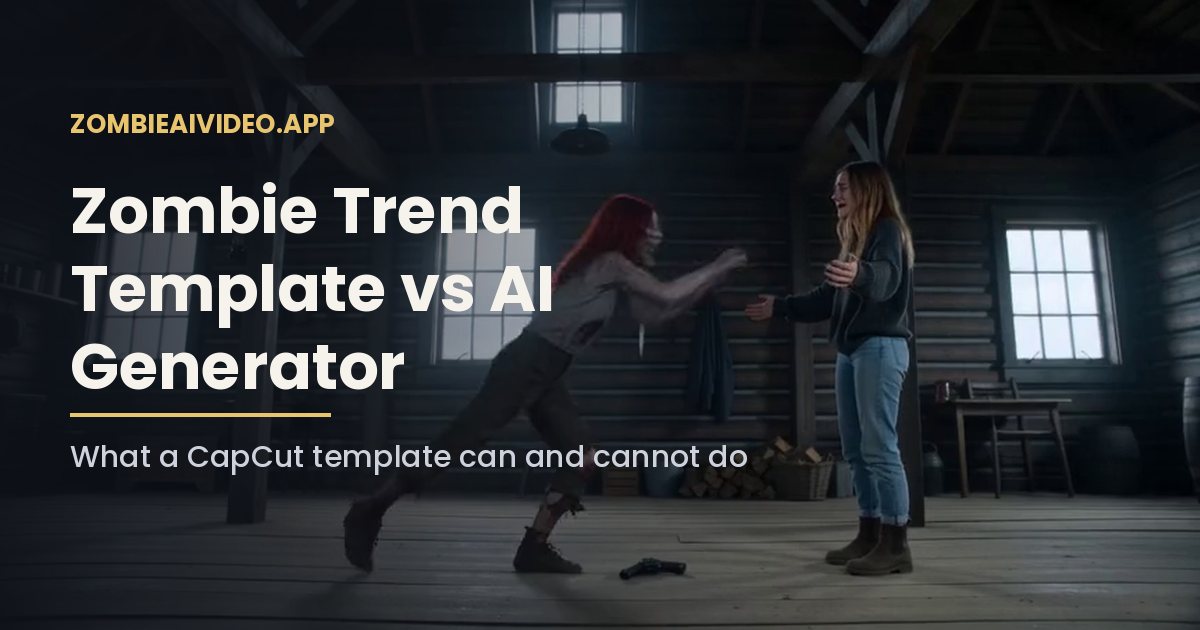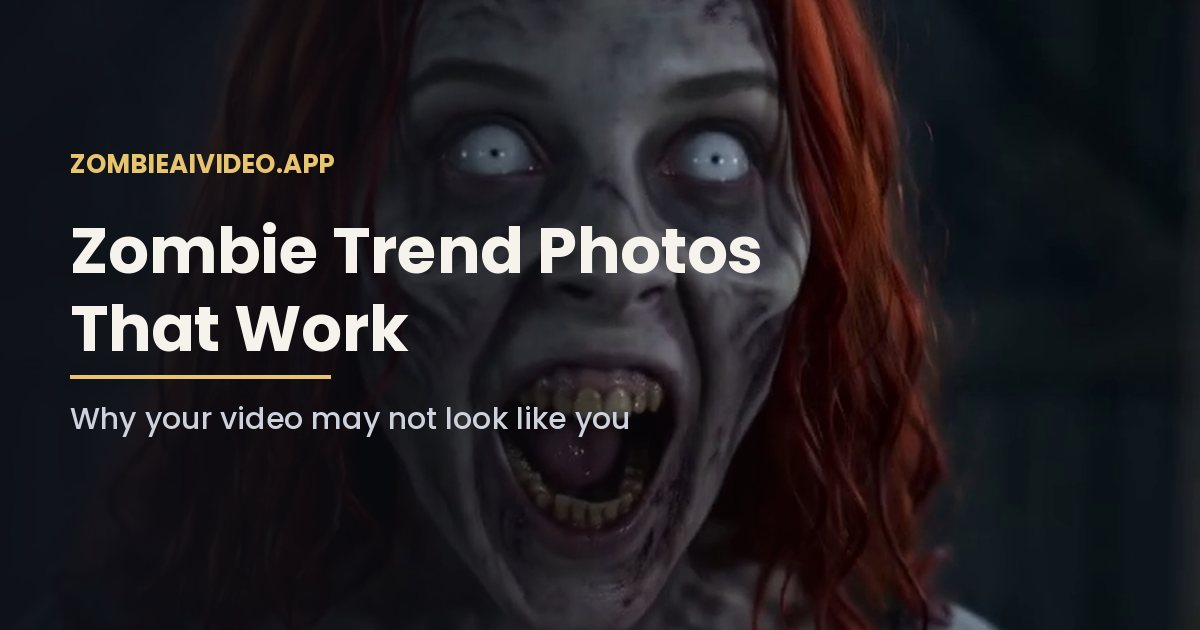
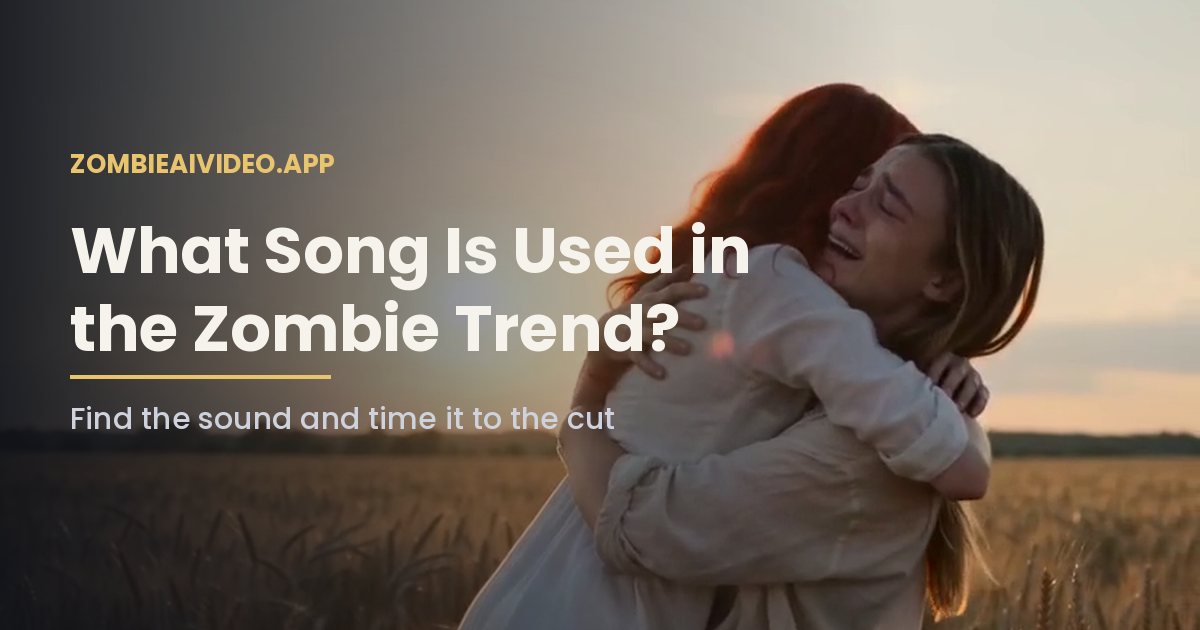
There is no single official song. The AI zombie trend spread as a video format, not as a sound, so creators pair the clip with different slow, emotional tracks, usually soft piano or strings that swell right when the gun drops. If you want the exact song from a clip you saw, open that video on TikTok and tap the sound name at the bottom of the screen.
That is the short answer. The rest of this guide covers how to find a sound that fits, how to time it to the cut, and what to watch for with music rights.
Why there is no one zombie trend song
Most trends that go viral on TikTok are built on a sound: everyone lip-syncs or dances to the same clip. This one is different. People found it through the story, a loved one turns, you cannot shoot, you hug, then a happy memory, so each creator picked music that matched their own version.
You will still notice a pattern. The tracks that work as a zombie trend song share three things:
- Slow tempo. The standoff needs room to breathe, so fast tracks fight the picture.
- A quiet start. The cabin shot is cold and almost silent. The music should sit under the breathing, not over it.
- A lift around the hug. The moment the gun drops is where the track should open up, so the memory shot lands on the fullest part of the song.
How to find the zombie trend song from a clip you saw
- Open the video in the TikTok app.
- Tap the spinning record or the sound name at the bottom to see which song that clip uses.
- On the sound page, check how many videos use it. If it says thousands, that is likely the track most people in your region are using right now.
- Tap Use this sound to start a post with it, or save it to your favorites for later.
On Instagram, find the zombie trend song by tapping the audio name under the username on a Reel, then Save audio or Use audio. The same idea applies: popular audio pages show how many Reels use the track.
How to add your zombie trend song to an AI clip
Clips from our AI zombie video generator come with sound: wind, breathing and a soft score, but no licensed song. That is on purpose, so you can add whatever track is popular when you post.
- Download the MP4 from My videos.
- Upload it to TikTok or Reels as a new post.
- Pick the sound you saved.
- Open the volume settings. Lower the original audio to around 20 to 30 percent so the breathing stays under the music, or mute it if you want only the song.
- Drag the music start point so the loudest part of the track hits at the hard cut, about 9 seconds into a 15-second clip.
That last step matters most. When the swell of your song lands exactly on the jump from the gray cabin to the golden field, the clip feels like a film. When it lands a few seconds early, the memory shot feels flat.
Choosing a zombie trend song for each version
- Couple version: a love ballad, piano or acoustic guitar. Many people pick a zombie trend song that is personal to the two of them, which makes the zombie love story feel like theirs.
- Mom, dad or friend version: something warmer and less romantic. Strings or a lullaby-style piano make a good song for a zombie hug with family.
- Pet version: a playful track can work, since the pet running into your arms is lighter in tone.
- Halloween: a slow, eerie piece for the cabin that resolves into something warm. Our Halloween zombie video page has more posting ideas.
Music rights in plain words
Picking a track inside TikTok or Instagram is the safe route, because the app handles licensing for its own library. Business and brand accounts usually get a smaller, commercial-cleared library, so some popular tracks will not show up for them.
Adding a song outside the app, for example in a desktop editor, and uploading the finished file is different. The platform may mute the audio or limit the post if it detects copyrighted music. If you plan to use the clip in an ad or on a website, use royalty-free music you have a license for.
A quick checklist before you post
- The zombie trend song starts quietly under the cabin shot.
- The swell hits at the hard cut to the wheat field.
- Original audio is lowered, not fighting the track.
- The caption tags the person in the clip, and they have seen it first.
Make the clip first
The song is the last step. If you have not made your clip yet, upload two photos to the generator. One 480p video uses 100 credits, and the Single pack is $9.90, paid once with no subscription. The clip arrives with ambient sound, ready for whatever song you choose.