Yes, there is a zombie trend prompt you can copy: it describes four shots (a cabin standoff, a zombie close-up, the hug, and a wheat field memory) and tells the model to keep both faces from two reference photos. Paste it into an image-to-video model that accepts reference images, attach one photo of each person, and render 15 seconds with sound.
Below is the full zombie trend prompt we use, two variations, and the mistakes that make clips fall apart.
The full zombie trend prompt
Attach two reference images first. @image1 is the person who holds the gun. @image2 is the person who turns.
A 15-second cinematic short film in four shots, post-apocalyptic, emotional, no dialogue.
Character A is the person in @image1. Character B is the person in @image2.
Keep both faces, hairstyles and clothing consistent with @image1 and @image2 in every shot.

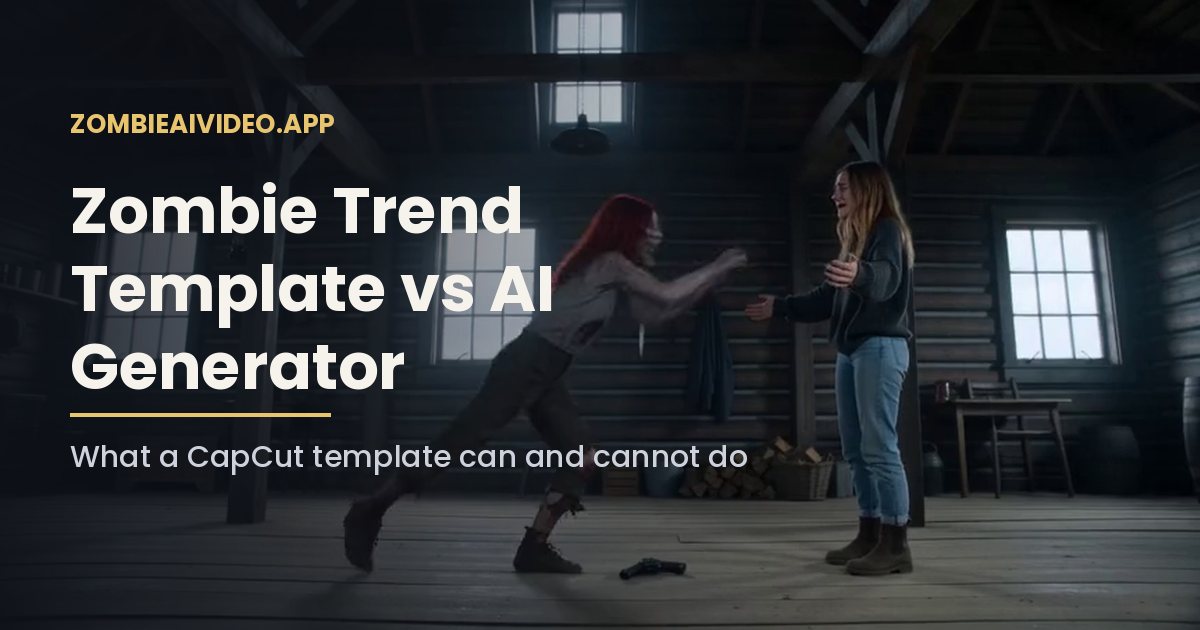
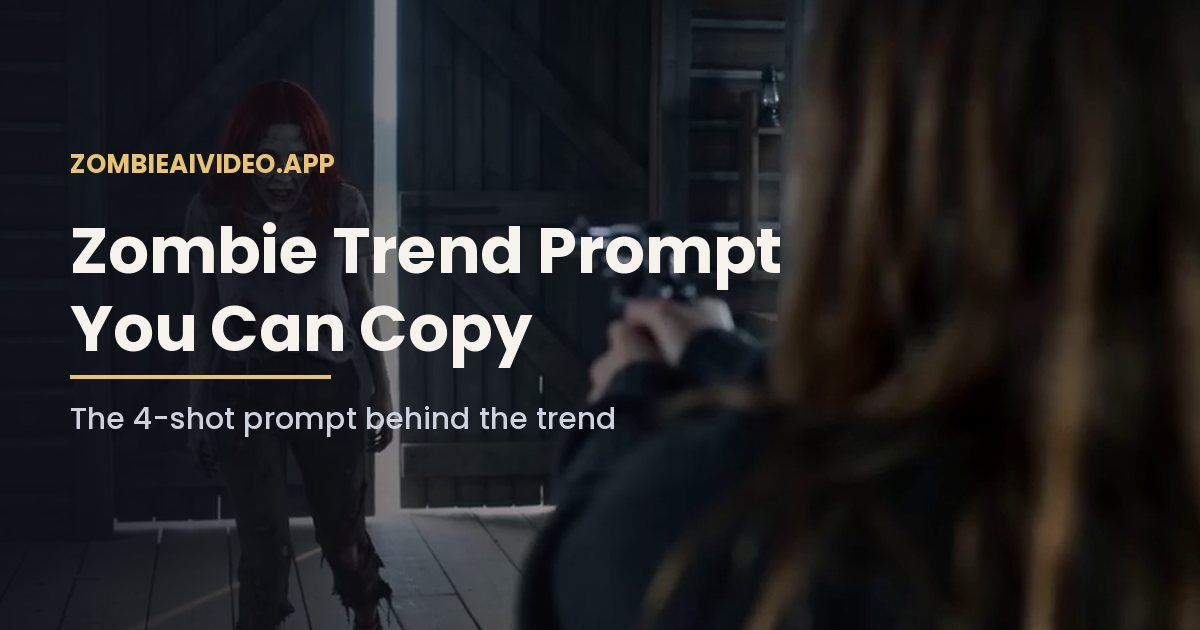
Shot 1 (0-4s): inside a dim, cold blue-gray abandoned wooden cabin, Character A stands with tears in their eyes, holding a gun aimed at Character B, hands shaking.

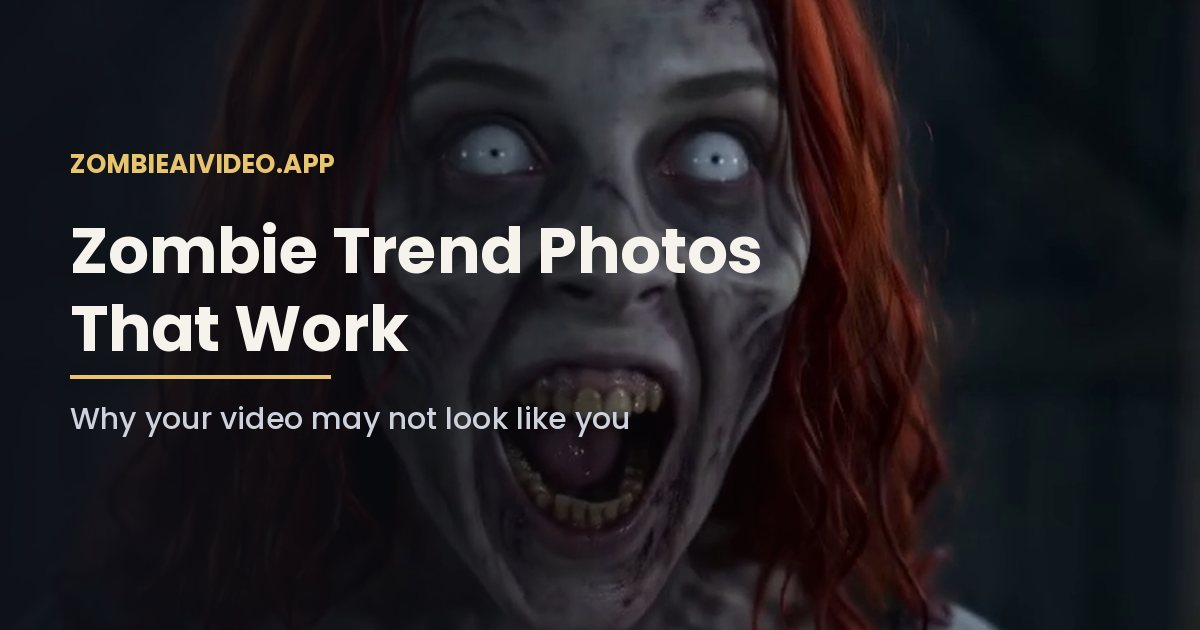
Shot 2 (4-6s): extreme close-up of Character B, who has turned into a zombie: ashen gray skin, clouded pale eyes, dark veins on the neck. No blood, no wounds, no gore. A faint flicker of recognition.

Shot 3 (6-9s): Character A slowly lowers the gun, lets it fall, and opens their arms. Character B lunges forward and they hold each other in a tight hug.

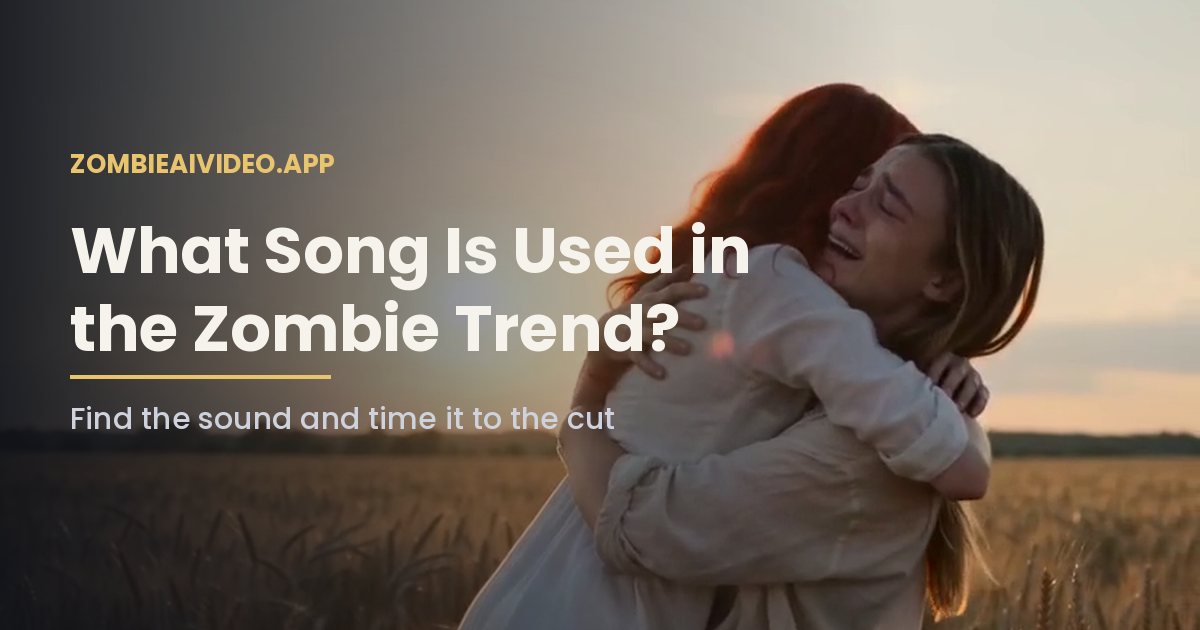
Shot 4 (9-15s): hard cut to a warm golden wheat field at sunset, a happy memory. Character A and Character B, both healthy and alive, laugh and hug in the sunlight, soft film grain.

Sound: wind, quiet breathing, a soft emotional piano score. No speech, no lyrics, no text on screen.
It runs about 200 words. Most video models accept far more, so there is room to add details about the cabin or the season.
Why the prompt is written this way
Each line guards against a common way AI video goes wrong.
- Named characters. Calling them Character A and Character B, and tying each one to @image1 or @image2, stops the model from merging the two faces.
- Timestamps. Writing seconds next to each shot keeps the model from spending 10 seconds on the standoff and rushing the memory.
- "No blood, no wounds, no gore." Without this line, some renders drift into horror makeup that platforms may limit.
- "Hard cut." The jump from gray to gold is the whole trend. Asking for a hard cut, not a fade, keeps it sharp.
- "No speech, no lyrics." Generated speech rarely matches lips, and you will add a trending sound later anyway.
Zombie trend prompt for a mom, dad or friend
Swap the first two lines and keep the rest the same:
Character A is the adult child in @image1. Character B is their mother in @image2.
Keep both faces, hairstyles and clothing consistent with @image1 and @image2 in every shot.
Replace "mother" with father, brother, sister or best friend. In the memory shot you can change "laugh and hug" to a family moment, such as cooking together or walking on a beach.
Zombie trend prompt for a dog or cat
Pets need a few more words, because models handle animal anatomy less reliably than faces:
Character B is the dog in @image2, same breed, fur color and markings.
Shot 2: close-up of the dog as a zombie: grayer fur, clouded eyes, head tilted. No blood.
Shot 3: Character A lowers the gun and kneels. The dog runs and jumps into their arms.
Shot 4: hard cut to a sunlit field, Character A and the healthy dog playing together.
For a full walkthrough of the pet version, see our zombie pet video page.
Settings that matter as much as the words
| Setting | Recommended | Why |
|---|---|---|
| Length | 15 seconds | Fits four shots. At 10 seconds the memory shot is cut short. |
| Aspect ratio | 16:9 or 9:16 | 16:9 gives the letterboxed film look. 9:16 fills a phone screen. |
| Resolution | 480p, then 720p | 480p is fine for a first take. Move to 720p when the faces look right. |
| Audio | On | Adds wind and breathing under the score. |
Where to paste the prompt
You need a video model that accepts at least two reference images and a long text prompt. Seedance from ByteDance does, and creators of the trend have also used Kling and Veo. Look for a field called reference images or elements rather than first frame. A first-frame field only animates one photo, so the second face never appears.
Run your first test at 480p. It is cheaper and faster, and it tells you whether the faces hold up. If one face drifts, the fix is almost always a sharper photo, not a longer prompt. When both faces look right, render again at 720p with the same prompt and the same photos, because changing one thing at a time is the only way to see what helped.
Common mistakes to avoid
- Using one group photo. The model cannot tell which face is which. Use two photos, one face in each.
- Asking for a face swap. The prompt generates a new film. Pasting faces onto someone else's video is a different, riskier process, and you should not do it with people who have not agreed.
- Adding a song name. Models cannot play licensed songs. Add music in TikTok or CapCut after rendering.
- Over-describing the zombie. Extra horror words push the model toward gore. Ashen skin, clouded eyes and dark veins are enough.
- Dropping the memory shot. Without the wheat field, the clip is just a zombie attack, and it will not read as part of the trend.
Skip the prompt entirely
If you would rather not write or tune a prompt, our AI zombie video generator has this exact shot list built in. You upload two photos, pick 480p (100 credits) or 720p (200 credits) and a format, and it returns a 15-second MP4 with sound. One 480p video costs $9.90 with the Single pack, paid once.