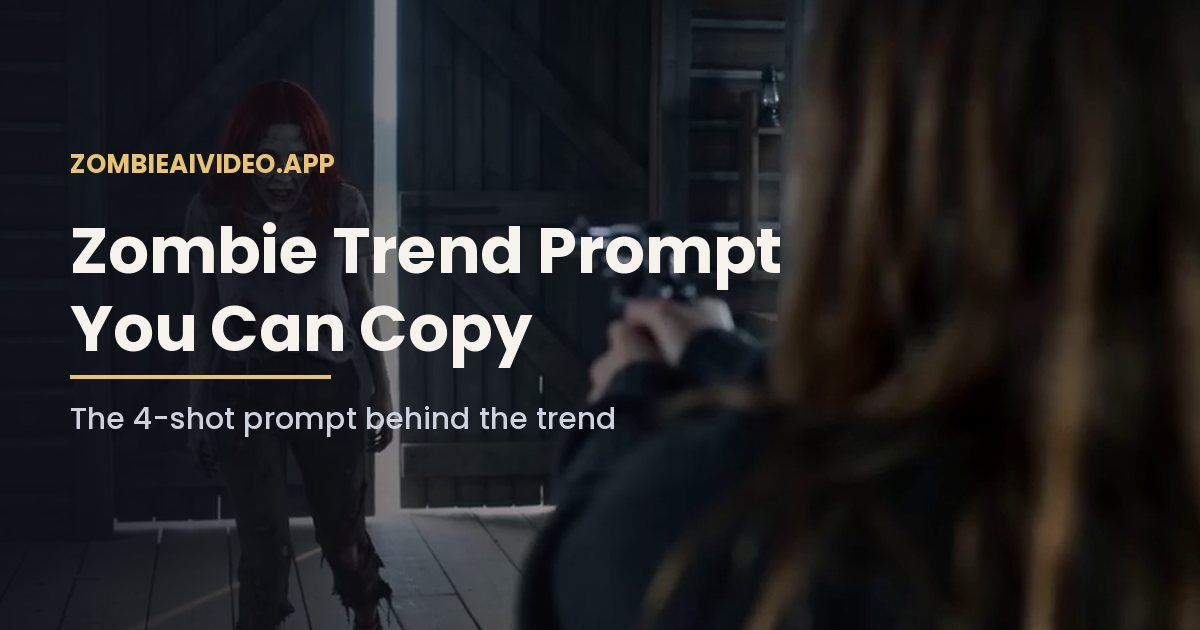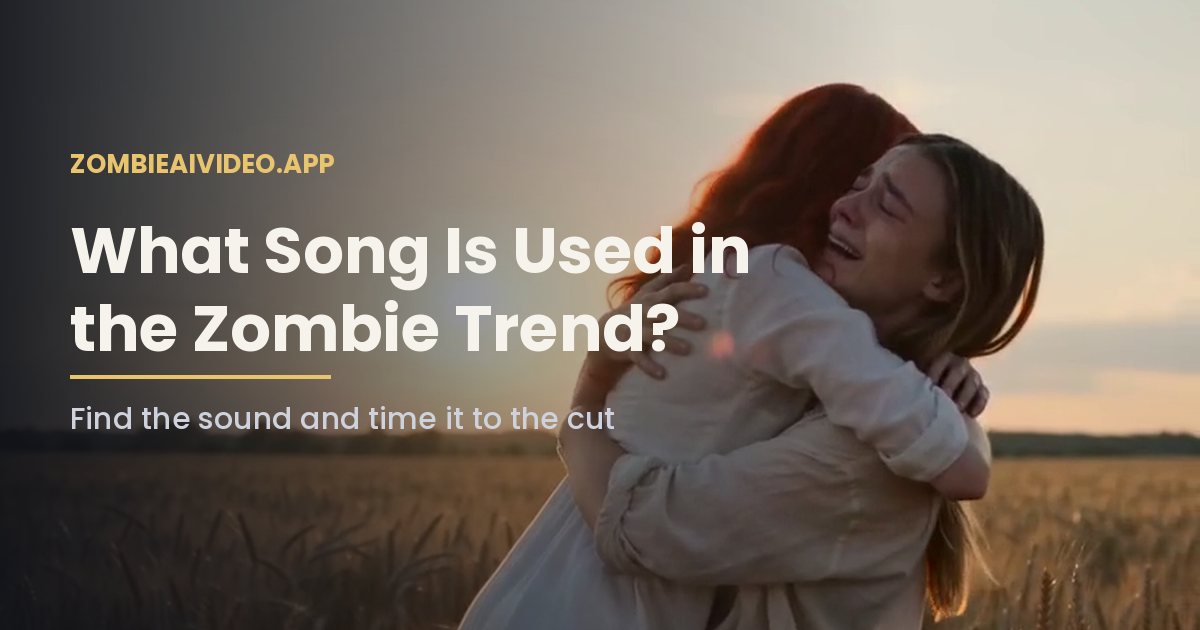
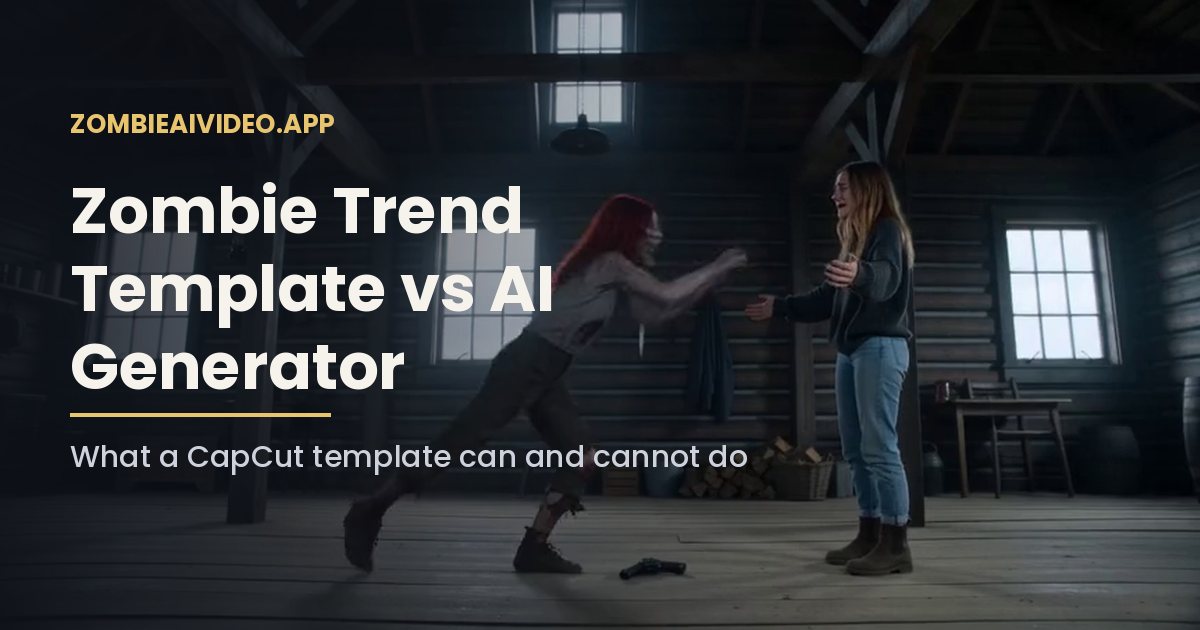
A CapCut zombie trend template can give you the cuts, captions and sound, but on its own it cannot turn a photo of your partner into a zombie. A template drops clips you already have into a fixed edit. The zombie love story needs new footage: your two faces in a cabin standoff, a hug and a wheat field memory. That footage has to come from an AI video model, so most people either combine a zombie trend template with AI clips or skip the template and use a generator that builds the whole thing from two photos.
Here is how each route works and which one fits you.
What a zombie trend template actually is
In CapCut, a zombie trend template is an edit made by another user. You tap Use template, pick photos or clips from your phone, and the app slots them into a preset sequence with transitions, text and music. Search the Templates tab for "zombie trend" and you will usually find several.
What a zombie trend template does well:
- Matches the pacing of the trend, with the slow open and the hard cut at the end.
- Adds a sound that is already popular, so your post joins the same audio page.
- Takes a minute once you have the right clips.
What a zombie trend template cannot do by itself:
- Make you or your partner look like a zombie, unless the template includes an AI effect.
- Generate the cabin, the hug or the memory scene from still photos.
- Keep two faces consistent across four shots.
Templates change often. A zombie trend template that is popular this week may be removed or replaced next week, so check in the app rather than relying on a saved link.
Three ways to make the zombie trend
| Route | You provide | What you get | Best for |
|---|---|---|---|
| Template | Finished clips | An edited sequence of your clips. No zombie footage is made. | Adding sound and captions |
| Raw AI video model | Photos and a long prompt you tune | One clip per prompt | People who like to tinker |
| AI zombie video generator | Two photos, prompt built in | One 15-second clip with sound | Getting the trend done fast |
Route 1: template plus AI clips
If you like the editing style of a specific zombie trend template, generate the footage first and edit second.
- Make the clip with an AI tool. Our AI zombie video generator gives you a 15-second MP4 with all four shots.
- Open CapCut, find the zombie trend template, and tap Use template.
- Select your generated MP4 instead of camera roll photos.
- Check that the zombie trend template does not cut off the wheat field memory at the end. Some templates are shorter than 15 seconds.
This keeps the sound and caption style of the zombie trend template while the AI handles the faces.
Route 2: a raw video model with a prompt
You can skip both the zombie trend template and the generator, and write the prompt yourself in a video model that accepts reference images. It is the most flexible route and the slowest. You will need two clear photos, a four-shot prompt with timestamps, and a few test renders. Our zombie trend prompt guide has a version you can copy.
Route 3: a generator built for the trend
A generator does the prompt and the cut for you. On this site you upload a photo of the person who holds the gun and a photo of the one who turns, choose 480p for 100 credits or 720p for 200 credits, pick 16:9 or 9:16, and download one 15-second clip with sound. No zombie trend template is needed, though you can still add one afterwards for the music.
The Single pack is $9.90 for one 480p video, paid once. There is no subscription, and a failed render returns its credits automatically.
Which should you pick?
- You already have AI clips and want the trend sound: use a zombie trend template.
- You enjoy prompt writing and have time to test: use a raw video model.
- You want your faces in the full story tonight: use a generator, then add a template or sound if you like.
A note on face swap templates
Some apps advertise a zombie trend template that swaps your face into someone else's video. That is a different process from generating a new clip. Face swaps raise consent and platform-policy problems, especially with other people's footage. Generating a new video from reference photos of people who agreed to be in it is the cleaner choice.
Before you post
Whichever route you take, watch the clip once with sound before posting. Check that both faces look like the right people, the gun drop reads clearly, and the memory shot plays to the end. If the zombie trend template you used trims the last shot, re-export without it, because the cut to the wheat field is the part people rewatch.