
The viral zombie trend, made yours
Zombie Pet Video Maker for Dogs and Cats
Your dog or cat turns, you can't shoot, and it still runs into your arms. Two photos, 15 seconds with sound.
- ✦Two photos
- ✦15 seconds with sound
- ✦Pay once
Zombie Trend AI Example
What is a zombie pet video?
A zombie pet video is the pet version of the AI zombie trend. Your dog or cat has turned, you raise the gun, you cannot do it, and your pet runs into your arms. Then the clip cuts to a sunny field where you are playing together. Upload one photo of you and one of your pet, and get the 15-second clip with sound.
Two photos, one video
Create your zombie video
One-time payment · no subscription
Why the zombie pet video took off
The pet version spread fast, especially in Spanish and Russian speaking feeds, because it skips the awkward part of asking a partner. Your dog will not mind being a zombie for 15 seconds. It also has the cleanest ending: whatever happened, the dog still comes running, and that is exactly what the last shot shows.
Pet photos that work in a zombie pet video
Animals are harder for video models than faces, so the photo does more of the work.
Whole head in frame Ears, eyes and nose all visible, not cropped at the top.
Eye level Take the photo at your pet's height, facing the camera.
Daylight Even light keeps the fur color and markings accurate.
One animal If you have two dogs, make a separate clip for each one.
No costume Collars are fine, but hats and sweaters can confuse the model.
What happens in a zombie pet video
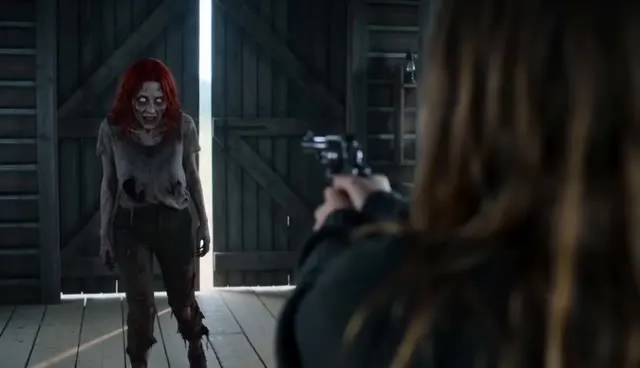 1
1The standoff
You hold the gun in a dark cabin while your pet stands across the room.
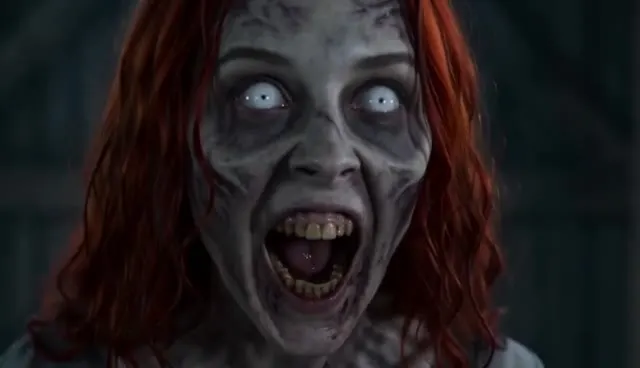 2
2The face
A close-up of your pet with gray fur, clouded eyes and a tilted head. No blood.
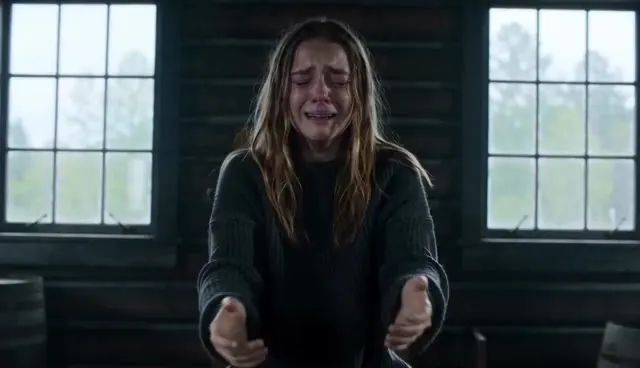 3
3The run
You lower the gun and kneel. Your pet runs and jumps into your arms.
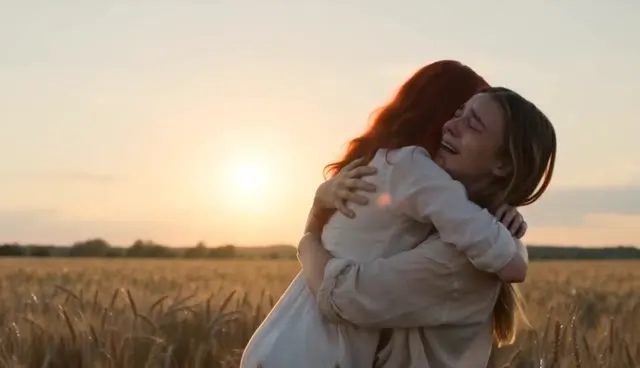 4
4The memory
A cut to a sunlit field where you play together, healthy and happy.
How to make a zombie pet video
Step 1
Choose Pet mode
Switch the generator to Pet so the model treats the second photo as an animal.
Step 2
Add you, then your pet
Your photo goes in the first slot. Your dog or cat goes in the second.
Step 3
Pick settings
480p for 100 credits or 720p for 200 credits. 9:16 suits a vertical pet post, while 16:9 keeps the film look.
Step 4
Render and download
Confirm the photos are yours, render, then save the zombie pet video from My videos.
Caption ideas for your zombie pet video
Still a good boy.
Even at the end of the world, he waited for me.
She would never bite me. Probably.
I told you I would never leave you.
Zombie pet video questions
Can my dog or cat be the zombie?
Yes. Pick the Pet mode and upload your pet in the second slot. Dogs and cats work best, and other animals are hit or miss.
Can my pet be the one holding the gun?
No. The first photo has to be a person, because that role holds the gun. Your pet is always the one who turns in a zombie pet video.
Will the zombie pet look scary?
The look stays mild: grayer fur and clouded eyes, with no blood or wounds. AI output varies, so watch the clip before you share it with kids around.
How much is a zombie pet video?
A 480p zombie pet video uses 100 credits, and the Single pack is $9.90. A 720p clip uses 200 credits. There is no subscription.
Can I use a photo of a pet that passed away?
Yes, if the photo is clear. Many people use the memory shot as a tribute, so the zombie pet video becomes a goodbye as much as a trend post.